
Loading…
Loading…
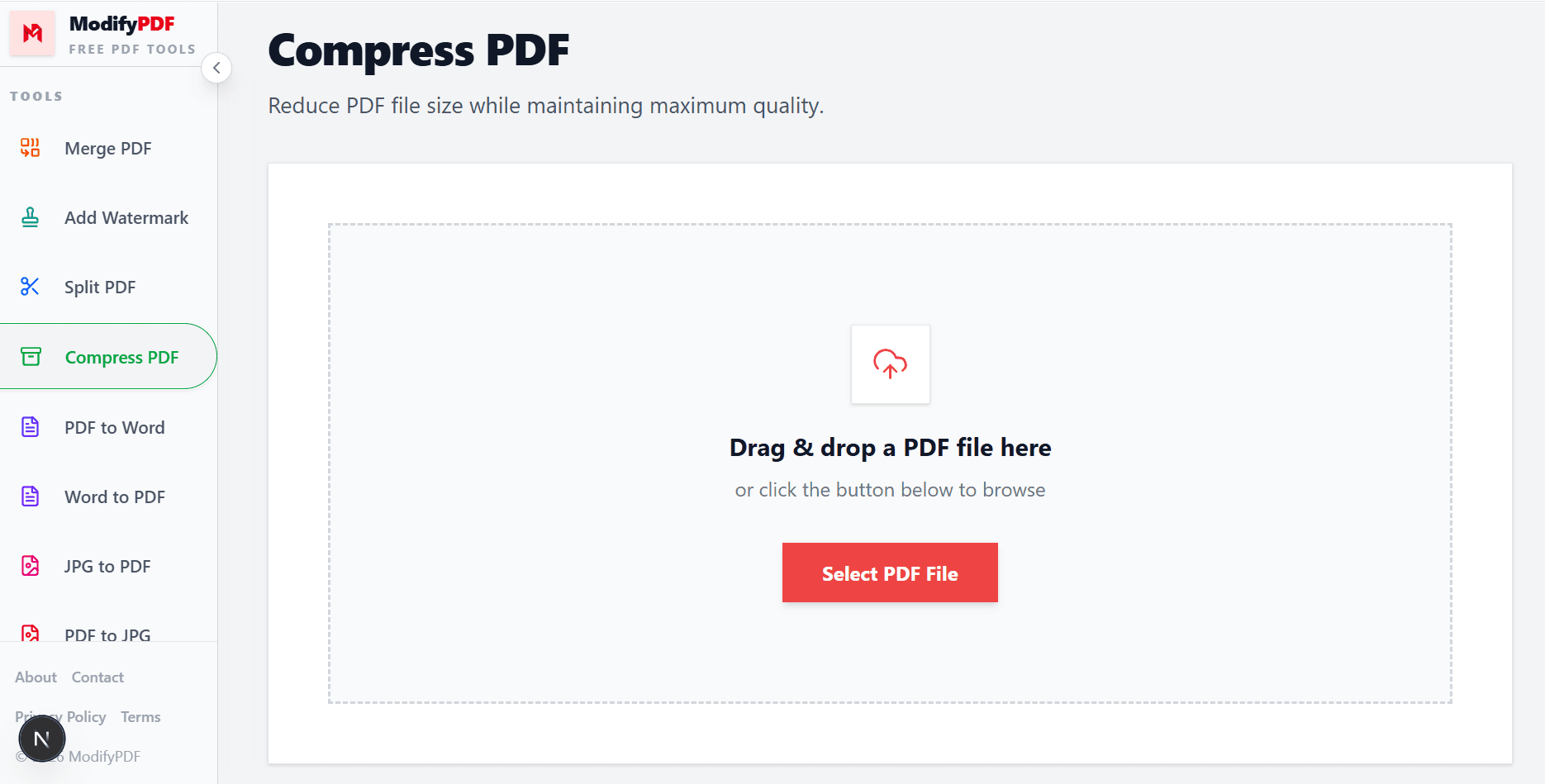
Reduce PDF file size while maintaining maximum quality.
Drag & drop a PDF file here
or click the button below to browse
Online PDF compressor
Reduce PDF file size for easier sharing, faster uploads, and smaller email attachments. Use a preset for quick compression or target an exact file size in MB or KB.
Reduce PDF file size while keeping text sharp and images readable.
Enter an exact target size in MB or KB to match upload or email limits.
Compress scans and image-heavy documents by a large percentage with just a few clicks.
Free online PDF compressor
Large PDF files can be hard to email, upload, or store. ModifyPDF helps you compress PDF documents online quickly, so you can share them without hitting size limits.
You do not need any software. Upload a PDF, choose a compression option, and download a smaller version of your file in seconds.
Choose the right compression level
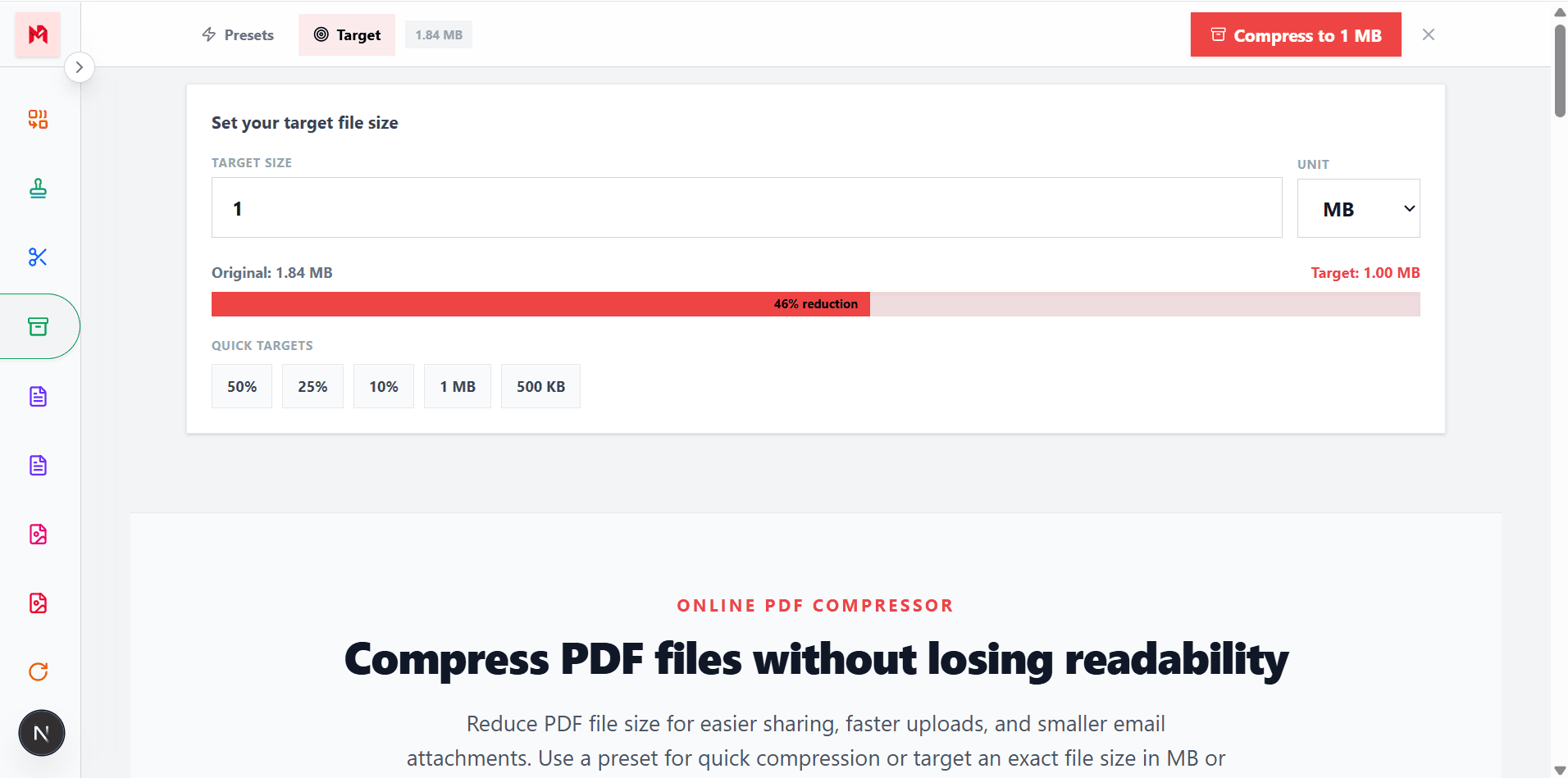
Different documents need different levels of compression. Use a light preset when you want to keep the highest quality, or a stronger preset when the smallest possible file is more important.
If you need to meet a specific limit, use the target size option to set an exact value in MB or KB. This is helpful for job portals, exam portals, government forms, and email attachments.
Great results for image-heavy PDFs
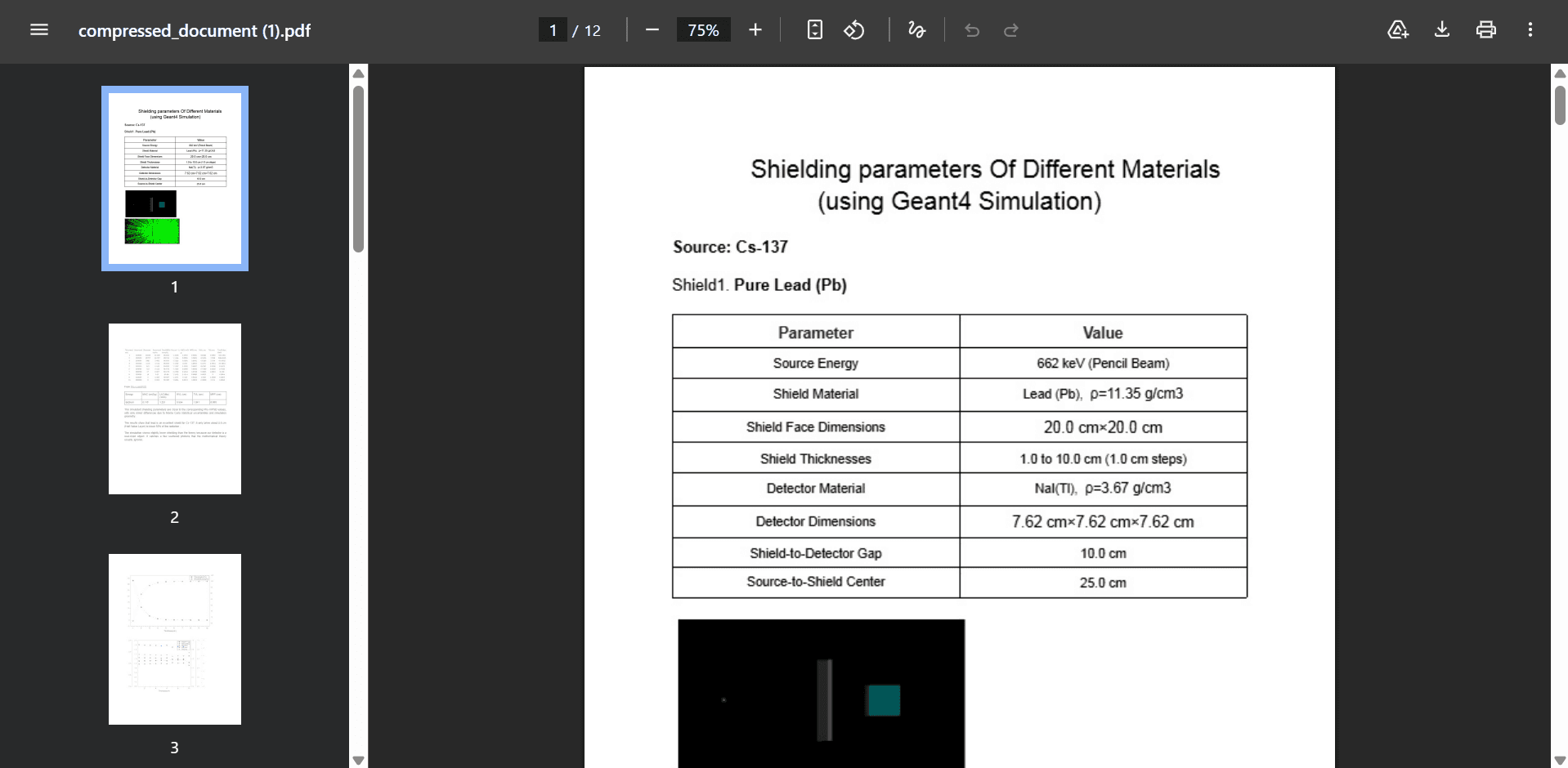
Scanned PDFs and image-based documents are usually the largest files. ModifyPDF optimizes images inside the PDF to bring the file size down while keeping the content clear and readable.
This is especially useful for scanned contracts, ID copies, resumes with images, product catalogs, and photo-based reports.
Compress PDFs from any device
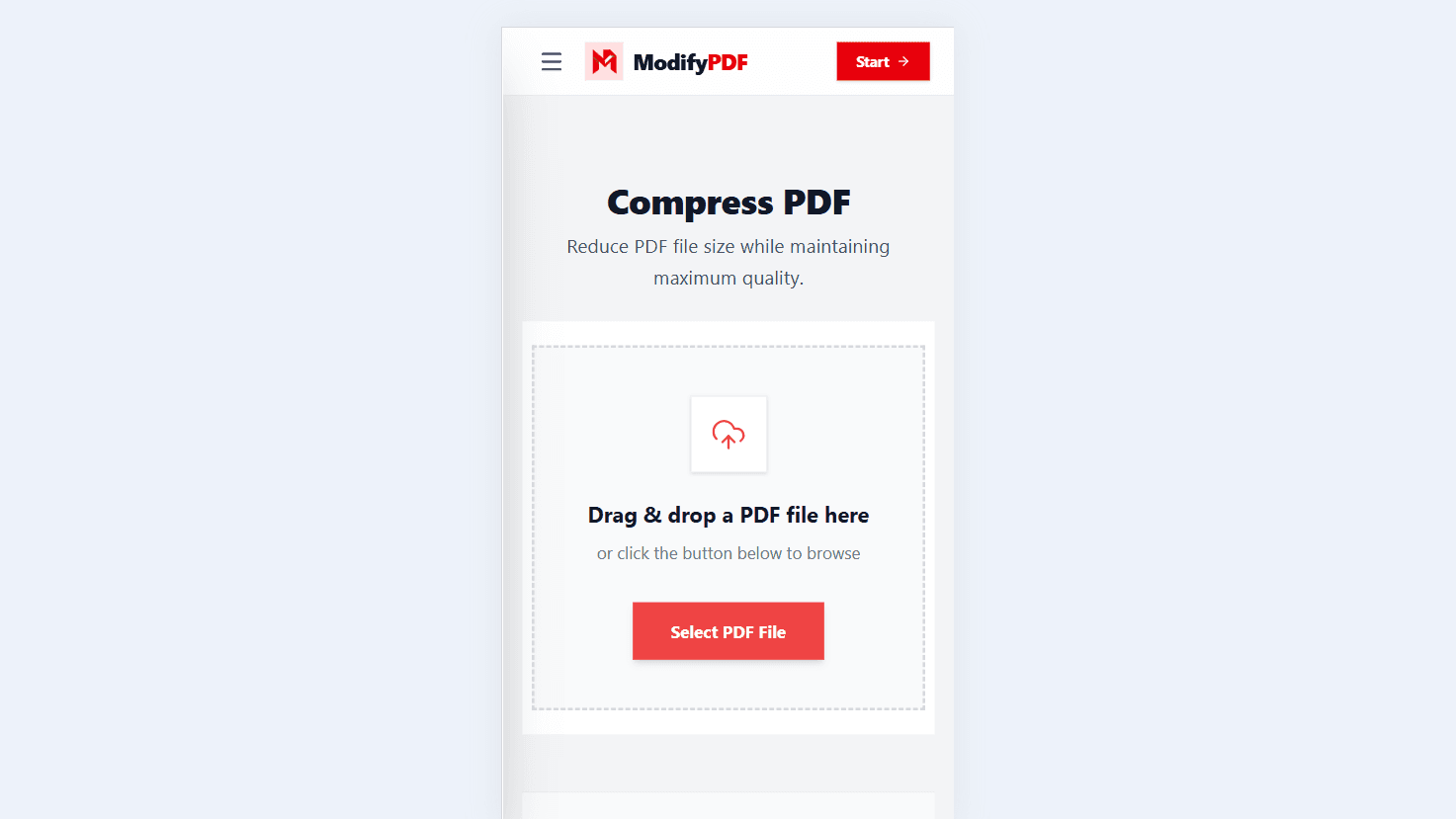
You can compress PDF files from your laptop, desktop, tablet, or phone. The tool is built to work in modern browsers, so you do not need to install any app to reduce PDF size.
This is helpful when you need to shrink a PDF quickly on the go, such as before uploading it to a form or sending it as an email attachment.
Popular use cases
Fit PDFs under email size limits
Meet strict upload size restrictions
Save space in Drive, Dropbox, and OneDrive
Send smaller PDFs quickly over data
Questions and answers
Upload your PDF, choose a compression preset or a target file size, and download the smaller PDF.
It depends on the content. PDFs with lots of images can often be reduced by a large percentage, while text-only PDFs usually shrink less.
Lighter compression preserves quality very well. Stronger compression reduces file size more, and images may look slightly softer than the original.
Instead of choosing a quality level, you enter an exact output size such as 2 MB or 500 KB. The tool adjusts compression to try to match that target.
Yes. The tool is designed to work in modern mobile browsers, so you can compress PDFs from your phone or tablet.
Yes. The output is a standard PDF that opens in any modern PDF reader on desktop and mobile.