
Loading…
Loading…
Rotate individual pages or all pages of your PDF instantly.
Drag & drop a PDF file here
or click the button below to browse
Free online PDF rotator
Fix upside-down scans, sideways pages, and mixed-orientation PDFs. Rotate one page or the whole document — no quality loss, no signup.
Rotate individual pages independently — no need to flip the whole document.
See a live thumbnail of every page as you rotate. What you see is what you get.
Files are deleted immediately after processing. Never stored or shared.
Drag and drop your PDF or browse from your device.
Rotate individual pages or use All Left / All Right.
Get the corrected PDF instantly with no quality loss.
Free online PDF rotator
Upside-down scans, sideways contracts, and mixed-orientation PDFs are common problems. ModifyPDF makes it simple to correct them without downloading extra software.
Upload your PDF, see every page as a thumbnail, rotate what you need, and download the corrected PDF instantly. Everything stays sharp because rotation does not re-encode your content.
Rotate exactly what you need
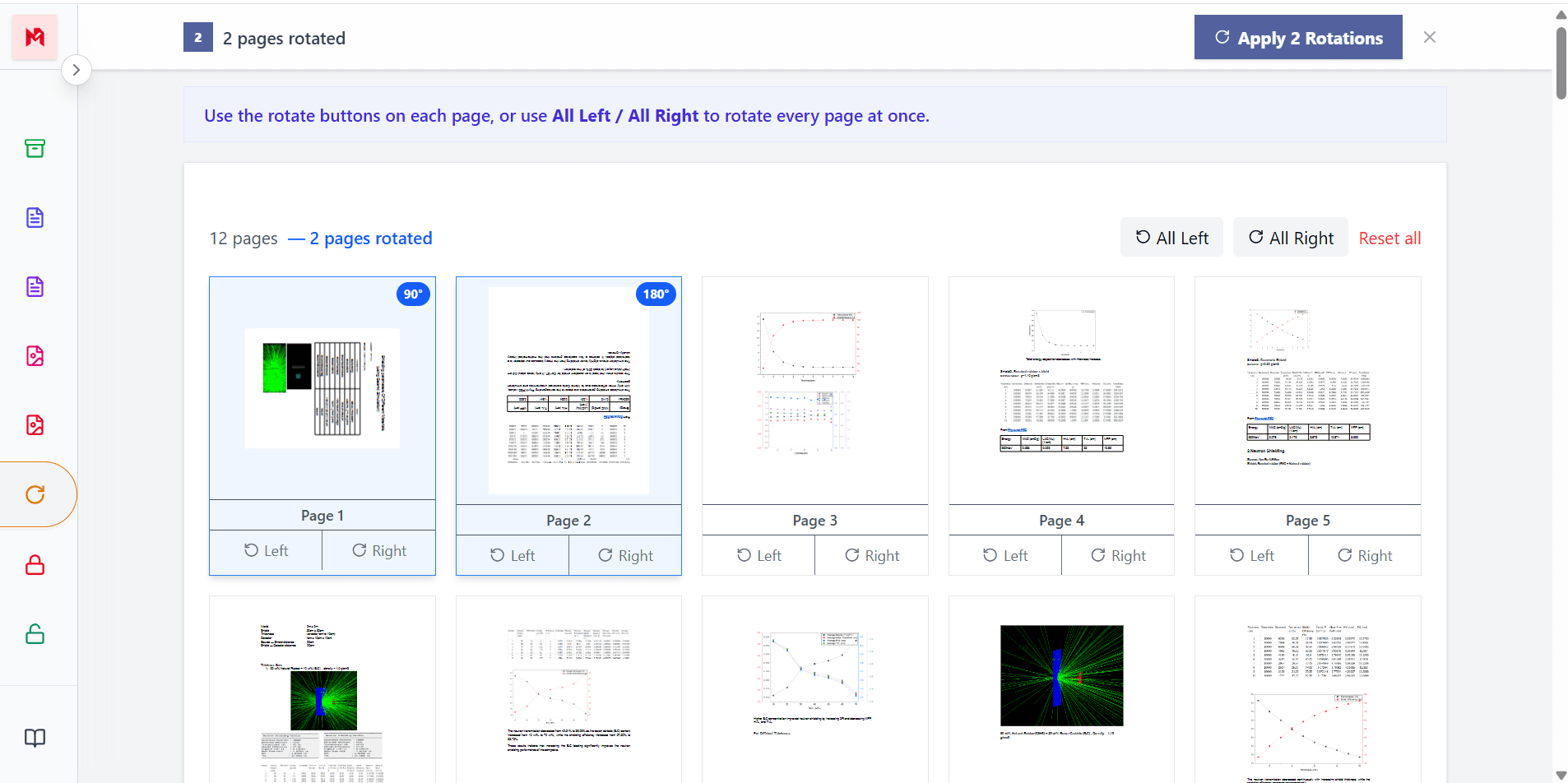
Documents often mix portrait and landscape pages. With ModifyPDF you can rotate each page independently — some 90 degrees, others 180, and leave the rest untouched.
This is perfect for mixed scans, reports with charts, and multi-source PDFs that were merged together.
Rotate everything at once
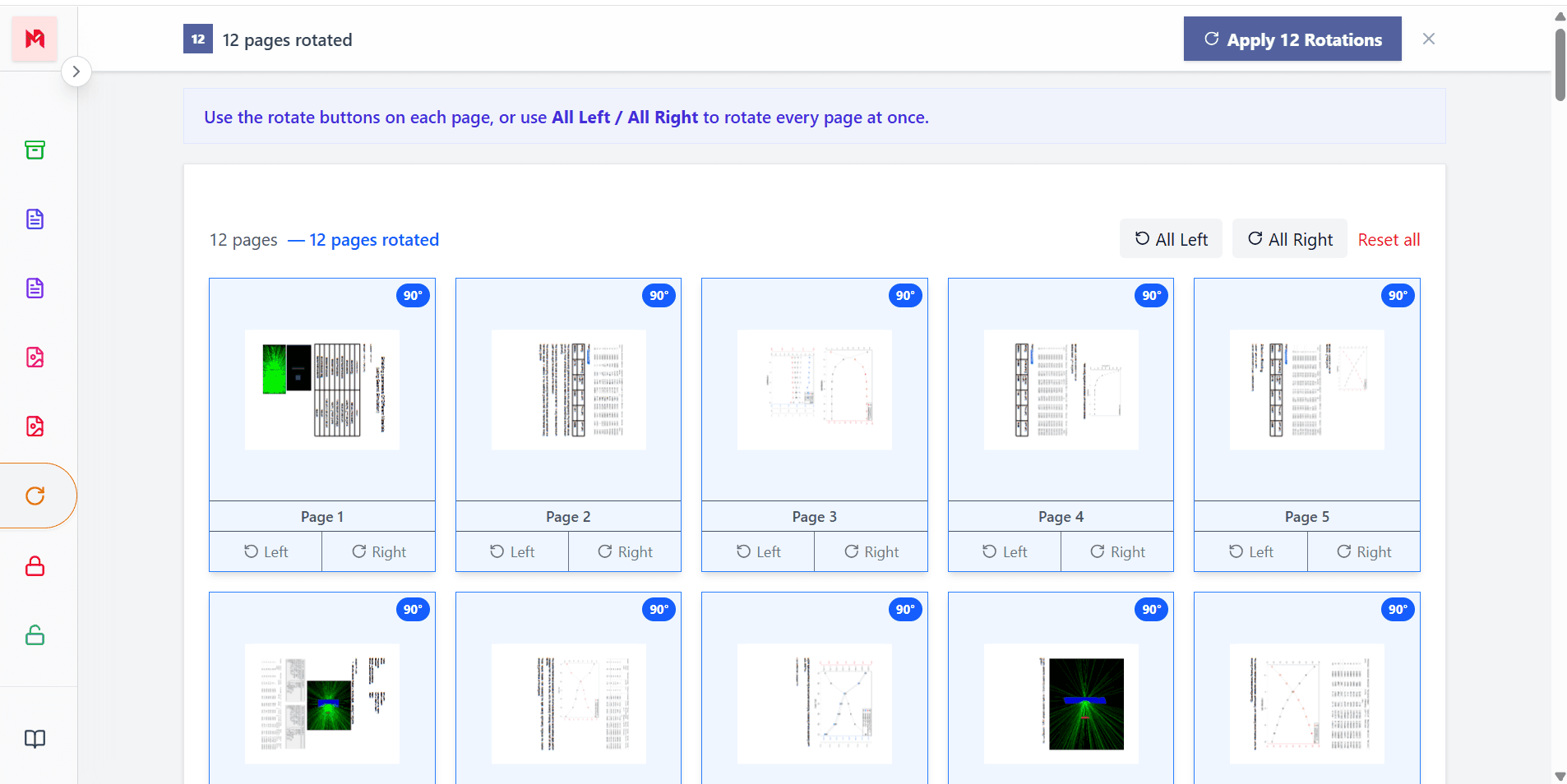
If every page was scanned or exported the wrong way, you don't need to click each one. Use the All Left or All Right buttons to rotate the entire document at once.
This is ideal for scanned books, forms, receipts, or full PDF exports that came out sideways.
No quality loss
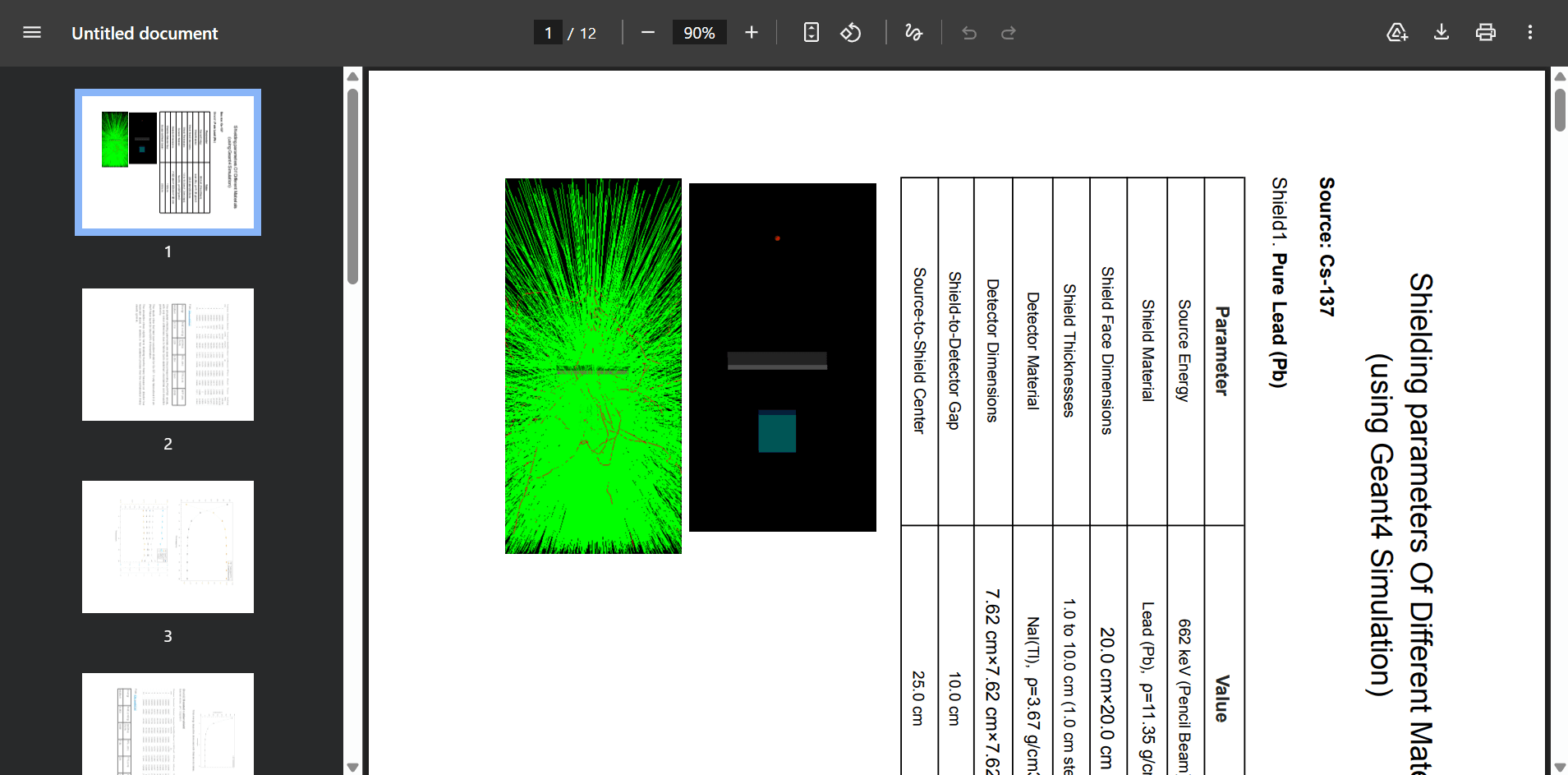
PDF rotation is a metadata operation. The actual content of the PDF is not re-encoded or compressed, so the visual quality of text, images, and diagrams stays identical to the original.
You get the same crisp file you uploaded — just with the correct orientation for reading, printing, or sharing.
Rotation options
0°
Original
90°
Quarter turn right
180°
Upside down
270°
Quarter turn left
Popular use cases
Fix upside-down or sideways scans in seconds
Correct orientation on mixed-source PDFs
Rotate pages before sending to a printer
Fix slide orientation before sharing PDFs
Questions and answers
Yes. Use the left and right rotate buttons on each page card to rotate individual pages. You can rotate some pages 90 degrees, others 180 degrees, and leave the rest untouched.
You can rotate pages by 90, 180, or 270 degrees in either direction. Click the rotate button again to cycle through the angles.
No. Rotation is a metadata operation — the actual content of the PDF is not re-encoded or compressed. Quality is fully preserved.
Yes. Use the All Left or All Right buttons to apply the same rotation to every page in the PDF at the same time.
There is no page limit. You can rotate any number of pages in PDFs up to 100 MB in size.
Yes. The tool works in modern mobile browsers as well as on desktop.