
Loading…
Loading…
Convert Word documents (.doc, .docx) to PDF format for free.
We are building a fast, free, and secure Word to PDF converter. Convert your .doc and .docx files to PDF while preserving formatting — no sign-up, no watermarks.
Drag and drop your .doc or .docx file, or click to browse from your device.
Our engine converts your Word document to PDF while preserving all formatting and layout.
Your converted PDF is ready instantly. Download it and the original file is deleted automatically.
Convert .doc and .docx files to PDF in seconds with our optimized processing engine.
Tables, images, fonts, headers, footers, and page layouts are kept exactly as they appear in Word.
Your documents are processed securely and deleted immediately. We never store or read your files.
Convert Word to PDF on desktop, tablet, or mobile — no software installation needed.
While Word to PDF is being built, check out these available tools:
Free online Word to PDF converter — coming soon
Convert Word documents to PDF quickly, without losing formatting. No signup, no watermarks, and no software installation required.
Tables, fonts, images, headers, footers, and layouts stay exactly as in your Word file.
Convert .doc and .docx files to PDF in seconds with a smooth, distraction-free flow.
Files processed over HTTPS and deleted immediately after conversion. Never stored.
Drag and drop a .doc or .docx file, or browse from your device.
Our engine converts your document while preserving formatting.
Get your finished PDF instantly. Original file is auto-deleted.
Coming soon to ModifyPDF
Word to PDF conversion is one of the most common tasks in offices, schools, and freelance work. A PDF version of your document looks the same on every device, prevents accidental edits, and is accepted by almost every platform, portal, and printer.
ModifyPDF's upcoming Word to PDF tool is designed to make this workflow effortless. Upload a .doc or .docx file, convert it to a clean PDF, and download it in seconds. No signup, no watermark, no installation.
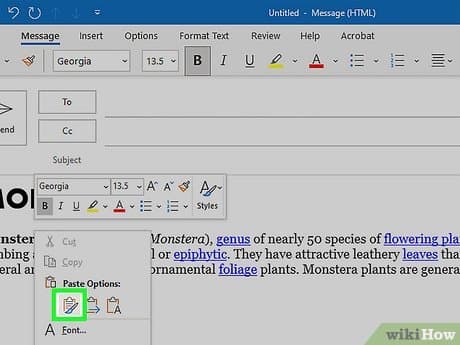
Layout stays intact
Nothing is more frustrating than converting a document only to find broken tables, shifted images, or replaced fonts. Our converter is being built to preserve your Word file's layout as closely as possible.
Whether you are exporting a resume, project report, invoice, contract, or study material, the output PDF is designed to look exactly like your original.
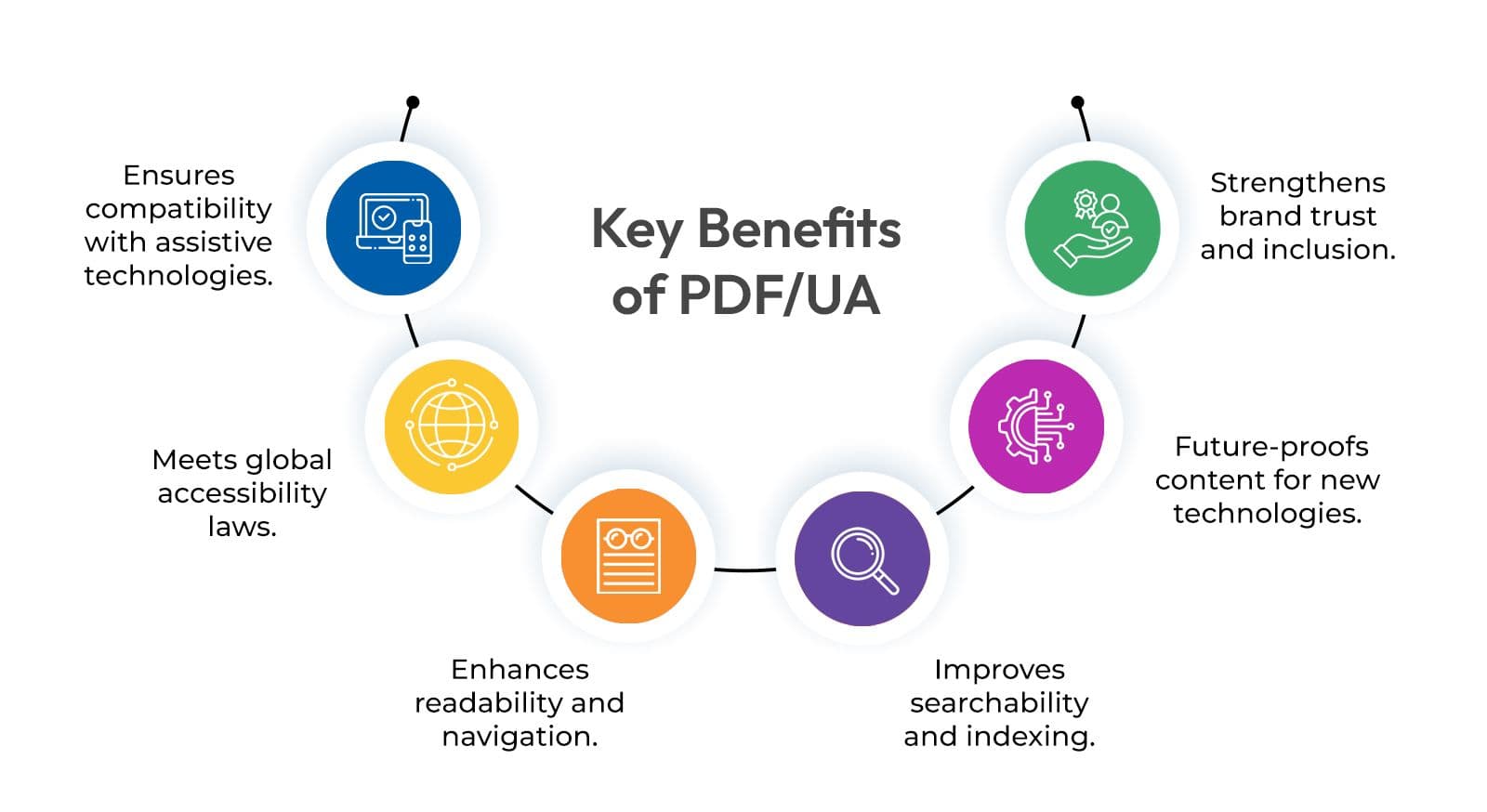
Why choose PDF
PDF is the global standard for sharing documents. Unlike Word files, a PDF looks identical whether it is opened on Windows, Mac, iPhone, Android, or in a browser. That consistency matters for job applications, submissions, contracts, and formal communications.
PDFs are also harder to accidentally edit, which is why colleges, government portals, and companies usually require them for uploads and submissions.

Private and secure
Word documents often contain personal or sensitive content — contracts, invoices, offer letters, financial data, or private reports. ModifyPDF's Word to PDF tool is being built with security in mind.
Uploads happen over HTTPS, and files are deleted from our system immediately after conversion. We never read, share, or store your documents.
Popular use cases
Send job applications in the format employers expect.
Submit assignments and projects that keep formatting intact.
Share business documents that cannot be accidentally edited.
Deliver clean, professional PDFs to clients and teams.
No installation. No app download. The Word to PDF tool will run in any modern browser on Windows, Mac, iPhone, and Android.
Questions and answers