
Loading…
Loading…
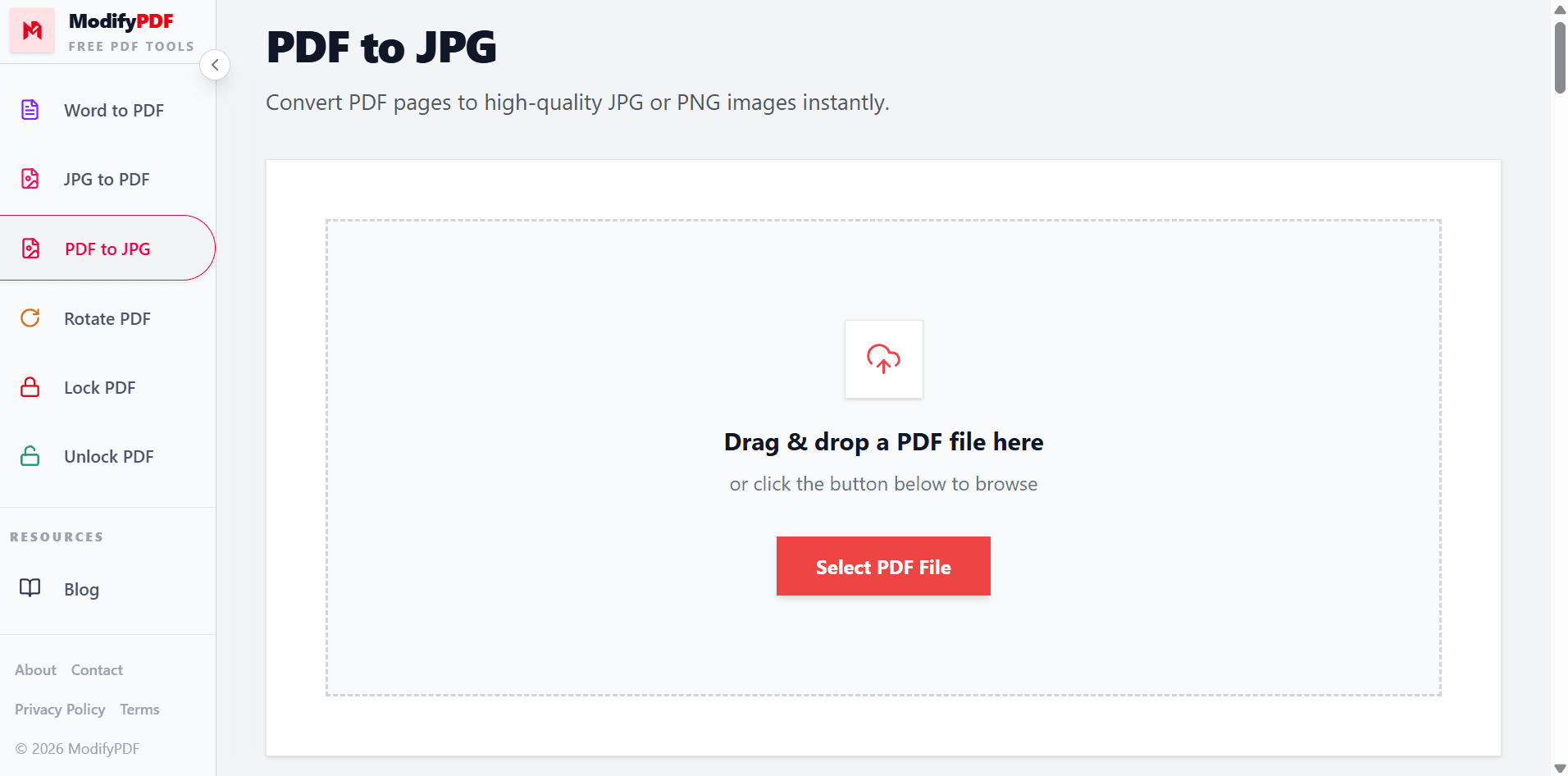
Convert PDF pages to high-quality JPG or PNG images instantly.
Drag & drop a PDF file here
or click the button below to browse
Free PDF to JPG and PNG converter
Turn any PDF into JPG or PNG images in seconds. Choose page range, output format, quality, and resolution — all in your browser.
Adjust resolution from 72 DPI up to 288 DPI HD for crisp, print-ready images.
Extract every page or hand-pick only the pages you need in the output.
Choose compact JPG for sharing or lossless PNG for perfect quality.
Drag and drop your PDF or browse from your device.
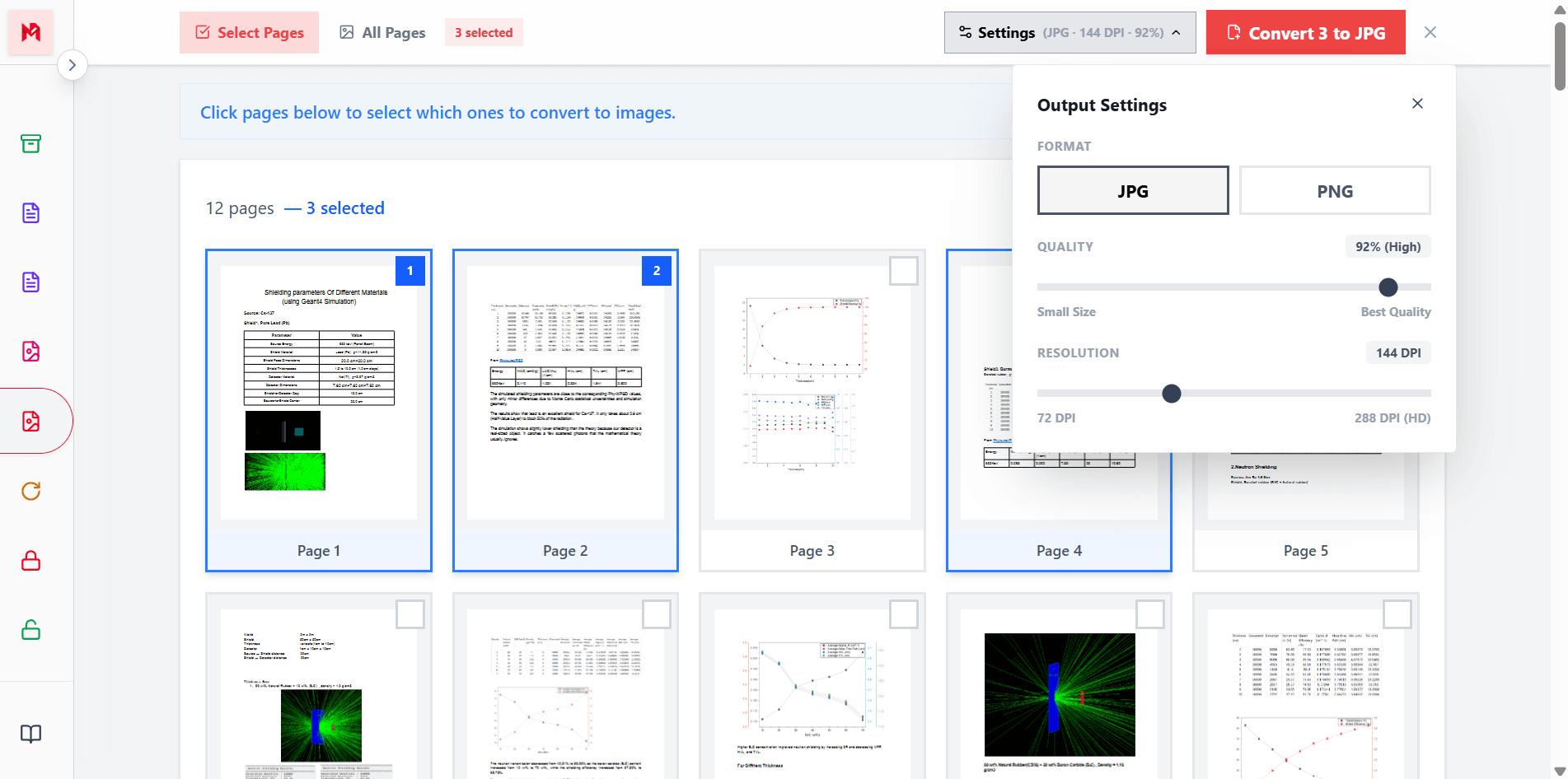
Pick JPG or PNG, adjust quality and resolution.
Get every page as an image in one ZIP file.
Free PDF to image converter
ModifyPDF lets you turn any PDF into JPG or PNG images quickly. Each page becomes a separate image, so you can use them in presentations, websites, social posts, or as thumbnails.
There is no installation and no signup. Upload your PDF, choose your output settings, and download all your images bundled in a ZIP.
Select specific pages
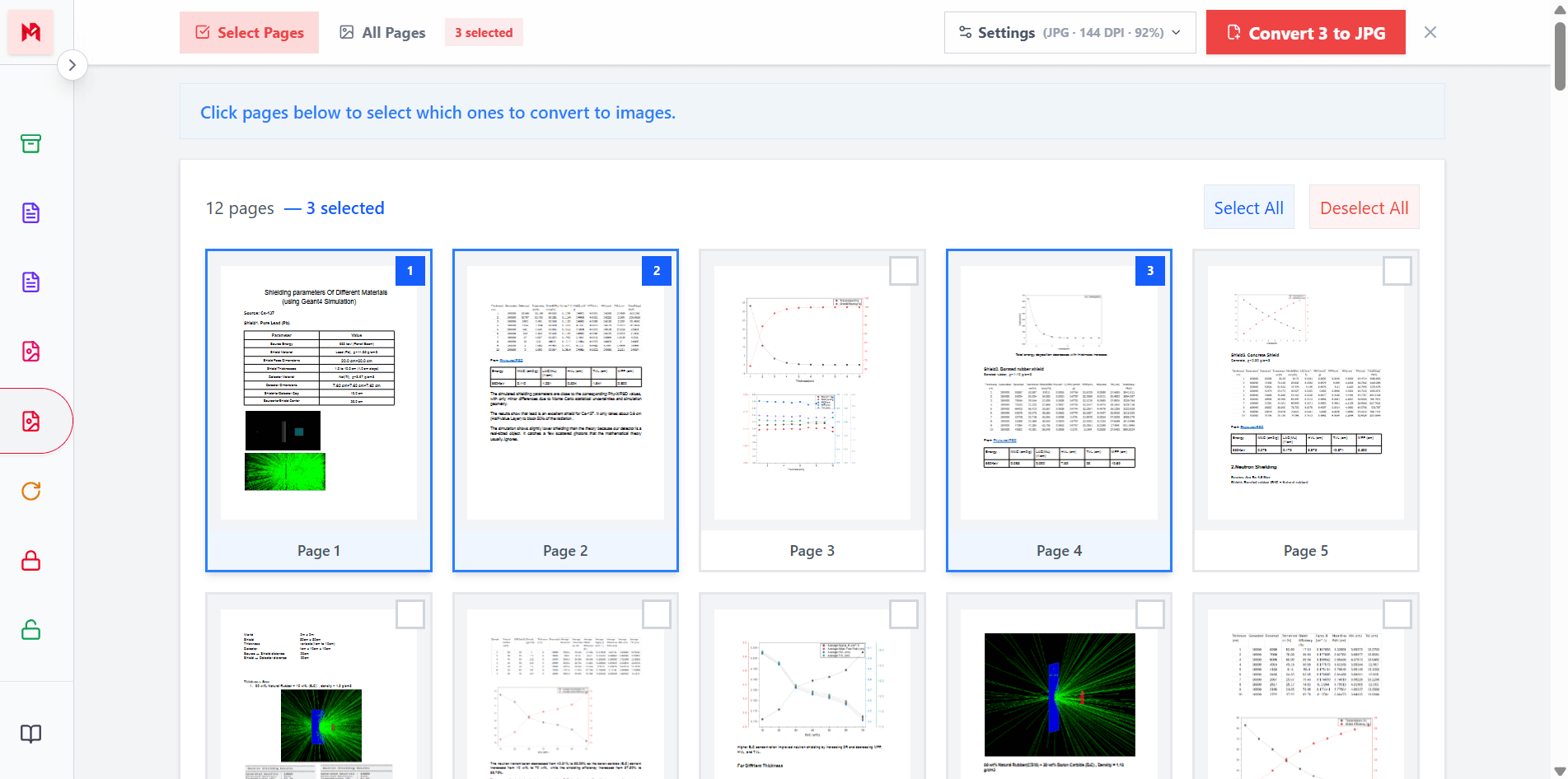
Sometimes you need images of the whole document, and sometimes you only need one or two pages. With ModifyPDF you can switch between converting all pages or selecting exactly which pages to extract.
This is perfect for pulling out cover pages, diagrams, charts, or specific slides without processing the entire file.
Choose format and quality
Different projects need different output formats. JPG produces smaller files that are ideal for email, sharing online, or embedding on the web. PNG is lossless, preserving every detail — perfect for text-heavy pages, diagrams, or print.
You can also adjust the resolution from 72 DPI up to 288 DPI HD to get sharper images for presentations, printing, or archiving.
Private and secure
PDF documents often include personal or business information — contracts, invoices, ID scans, medical records, and internal reports. ModifyPDF processes your files securely and deletes them right after conversion.
No account is required, no watermarks are added, and no limits are placed on your conversions.
Format comparison
Pros
Cons
Best for: Photos, scanned pages, sharing online
Pros
Cons
Best for: Documents with text, diagrams, or print
Popular use cases
Use PDF slides as images in PowerPoint or Google Slides
Create preview images from PDF pages for gallery views
Save scanned PDFs as images for long-term storage
Embed PDF content directly on websites and blogs
Questions and answers
You can adjust JPG quality from 10 percent to 100 percent. Higher quality means larger files but sharper images. PNG output is always lossless.
144 DPI (Medium) is recommended for most uses. Choose 288 DPI (HD) for printing or presentations where sharpness is critical.
Yes. Switch to Select Pages mode and click the pages you want. Only those pages will be converted to images.
JPG is smaller and great for sharing. PNG is lossless with perfect quality — ideal for documents with text, diagrams, or when printing.
No. ModifyPDF is completely free with no watermarks, no signup, and no limits on conversions.
All converted images are bundled into a single ZIP file for a fast, one-click download.