
Loading…
Loading…
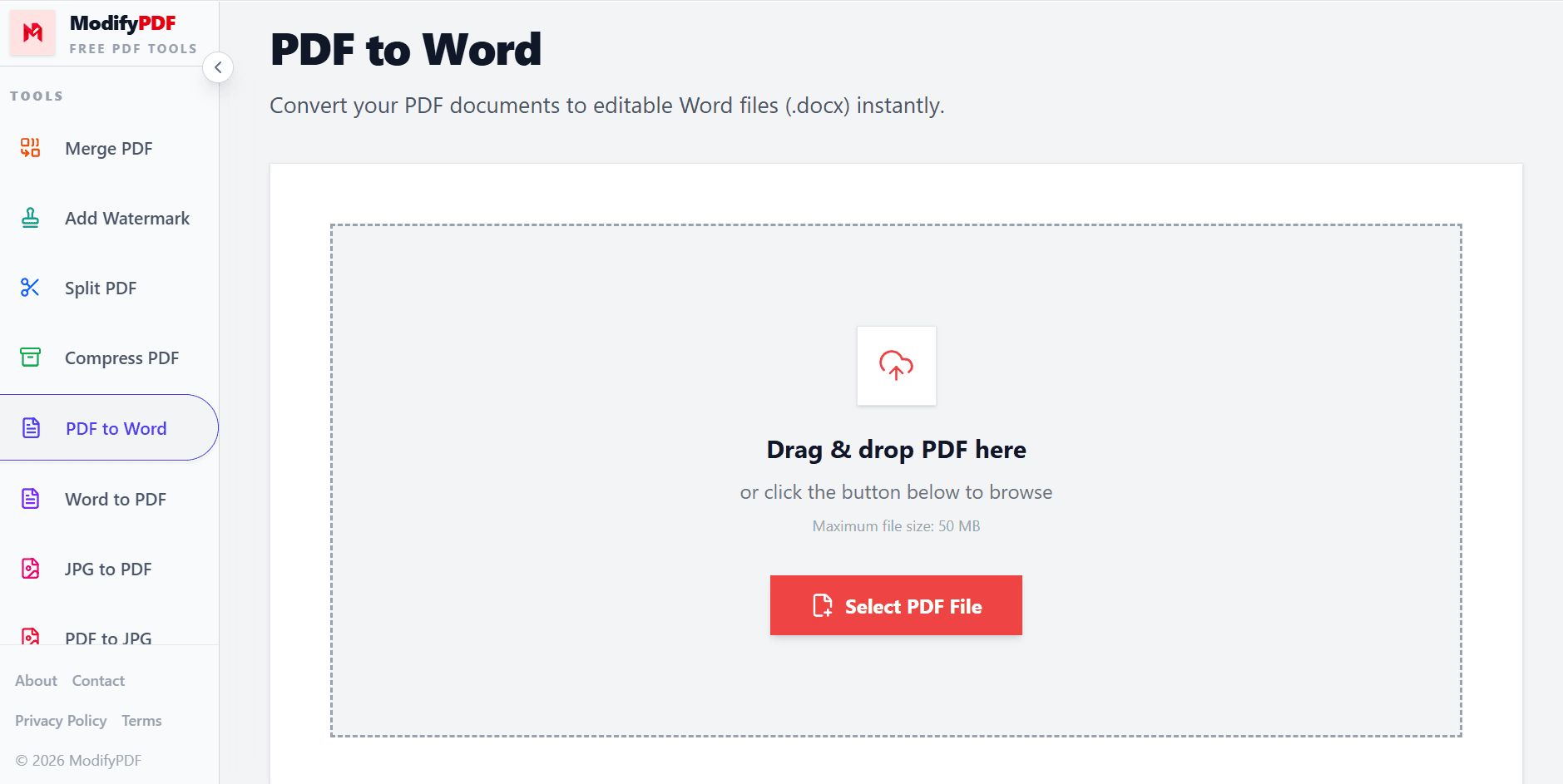
Convert your PDF documents to editable Word files (.docx) instantly.
Drag & drop PDF here
or click the button below to browse
Maximum file size: 50 MB
Free PDF to Word converter
Turn any PDF into an editable Word document quickly. Choose the conversion mode that fits your file, keep formatting intact, and download a ready-to-edit .docx.
Files are processed directly in your browser. Nothing is uploaded to a server.
No queues, no long waits. Get your editable Word file quickly.
Convert PDF to Word on iPhone, Android, tablet, or desktop — no app needed.
Drag and drop or browse for your file.
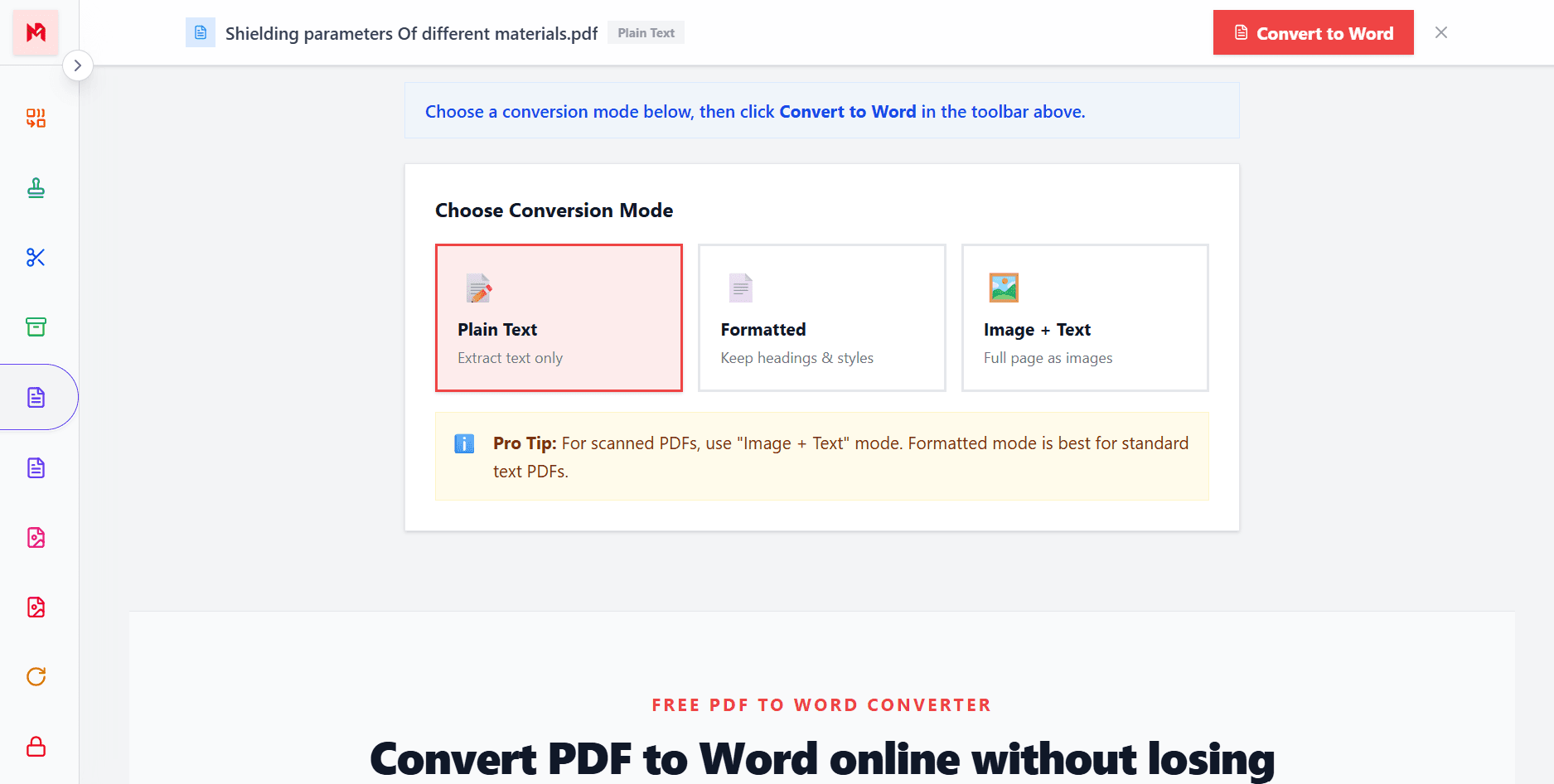
Choose plain text, formatted, or image + text.
Get your editable Word file instantly.
Free PDF to Word converter
ModifyPDF makes it simple to turn a PDF into a Word (.docx) file. Whether you need to edit a contract, update a report, or reuse text from a scanned document, our converter gives you a clean editable output ready for Microsoft Word, Google Docs, or LibreOffice.
You don't need to install extra software or sign up for an account. Upload your PDF, choose the mode that fits your document, and download the Word version in seconds.
Choose the right conversion mode
Different PDFs need different conversion strategies. A simple report may only need clean text extraction, while a scanned document benefits from an image-preserved layout that keeps the original appearance intact.
ModifyPDF offers three modes so you always get the best output for your file type without needing to guess.
Edit and reuse your content
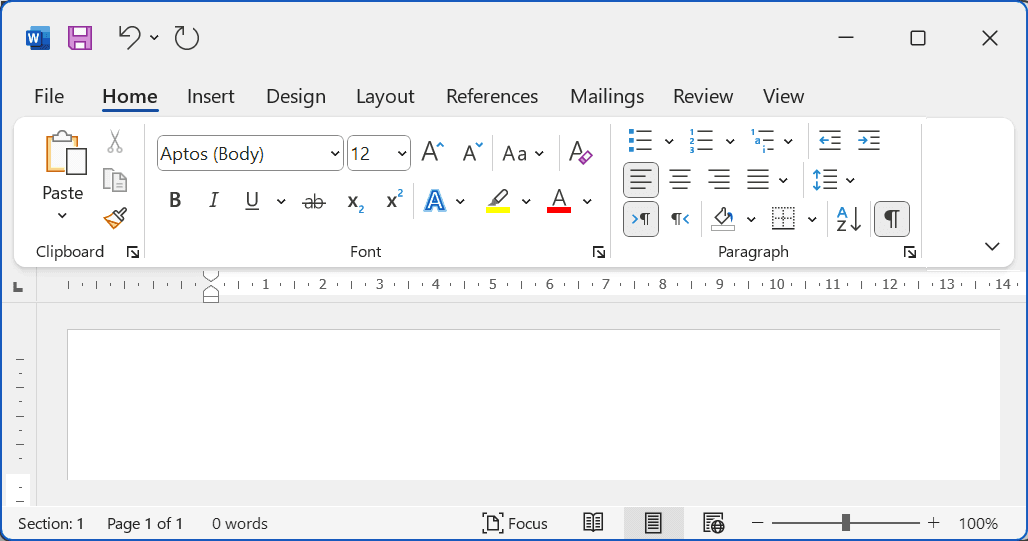
Once your PDF is converted to Word, you can rewrite paragraphs, fix typos, update tables, reformat headings, and add new content just like any other document. This saves hours compared to retyping content manually.
Great for updating outdated documents, revising school assignments, editing contracts, or repurposing existing PDFs for a new project.
Secure browser-based conversion
Documents often contain private data — contracts, personal records, invoices, or work reports. With ModifyPDF, conversion happens directly in your browser using local processing, so your file never has to be uploaded to a server.
This makes it a safer option for sensitive content compared to traditional online converters that store or process files remotely.
Conversion modes
Extract just the text content — fastest option for copying and reusing content.
Preserve headings, bold, italic, and layout structure for standard documents.
Keep the visual layout intact — ideal for scanned or complex-layout PDFs.
Questions and answers
Yes. Our PDF to Word converter is completely free with no hidden charges, no signup, and no file limits.
Absolutely. Files are processed locally in your browser. We do not upload or store your documents on any server.
Yes. Use the Image + Text mode for the best results with scanned or image-based PDF documents.
You can convert PDF files up to 50 MB. Since processing happens locally, speed depends on your device.
Yes. The Formatted mode preserves headings, fonts, bold and italic text, and layout structure wherever possible.
Yes. The output .docx file works in Microsoft Word, Google Docs, LibreOffice, WPS Office, and other compatible editors.